Your bus stop, right on your Home Screen
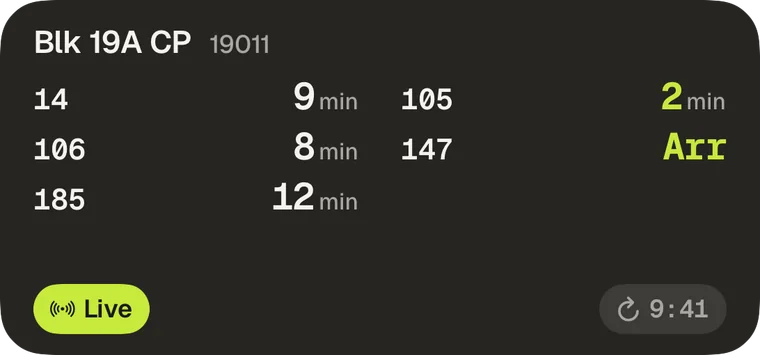
You probably take the same bus from the same stop most days. But to check when it’s coming, you still have to unlock your phone, open the app and find your stop. It should take one swipe, not several taps and swipes. So we built the Bus stop widget.
Add it to your Home Screen and pick your usual stop. You’ll see every bus there and when it’s coming. Ready to go? Tap Live. Your buses start counting down on your Lock Screen and in the Dynamic Island, and you never have to open the app.
Why it’s not free (Whenbus Pro required)
We built Whenbus to be the best bus app on iPhone. Building it and running the servers costs money, and the subscription pays for hosting and other costs. Live arrivals and the Lock Screen countdown stay free. If you subscribe, thank you.
Help us make it better
If you’ve been enjoying Whenbus, please leave a review on the App Store. It’s how other commuters find us. For bugs or ideas, write to [email protected].